
A good student laptop should be light, fast, and easy to carry. At TheSimOffers, we checked the best laptops for students in Pakistan in 2026. This list covers low, mid, and high budgets, so you can pick the one that fits your study and your pocket.
Prices below are from the Pakistan market in October 2026. Prices can change. Check with the seller before you buy.
Quick Comparison Table
| Laptop | Price in Pakistan | Processor | RAM / Storage | Display | Best For |
|---|---|---|---|---|---|
| Lenovo IdeaPad Slim 3 (Core i3) | around Rs 106,990 – Rs 114,000 | Intel Core i3-1305U | 8GB / 256GB SSD | 15.6″ FHD | Study and daily use |
| ASUS VivoBook 15 (Core i5) | around Rs 139,999 – Rs 145,000 | Intel Core i5-1335U | 8GB / 512GB SSD | 15.6″ FHD | Most students |
| HP 15-fd1134nia (Core 3) | around Rs 149,900 | Intel Core 3 100U | 8GB / 512GB SSD | 15.6″ FHD | Online classes |
| Dell Inspiron 15 3520 (Core i5) | around Rs 122,000 | Intel Core i5-1235U | 16GB / 512GB SSD | 15.6″ FHD | Study and multitasking |
| Lenovo IdeaPad 1 (Ryzen 3) | around Rs 80,000 – Rs 95,000 | AMD Ryzen 3 7320U | 8GB / 256GB SSD | 15.6″ FHD | Low budget study |
| Acer Aspire 3 A315 (Core i3) | around Rs 105,000 – Rs 120,000 | Intel Core i3 13th Gen | 8GB / 256GB SSD | 15.6″ FHD | School and college |
| HP 15s (Core i5) | around Rs 130,000 – Rs 145,000 | Intel Core i5-1235U | 8GB / 512GB SSD | 15.6″ FHD | Daily study |
| Dell Vostro 3530 (Core i5) | around Rs 144,999 | Intel Core i5-1335U | 8GB / 512GB SSD | 15.6″ FHD | Office and study |
| Lenovo IdeaPad Slim 3 (Core i5) | around Rs 120,000 – Rs 140,000 | Intel Core i5 13th Gen | 8GB / 512GB SSD | 15.6″ FHD | Research and study |
| HP Pavilion 15 (Core i5 Touch) | around Rs 174,999 | Intel Core i5-1335U | 8GB / 512GB SSD | 15.6″ FHD Touch | Design and notes |
| Apple MacBook Air M3 | around Rs 271,999 – Rs 299,999 | Apple M3 | 8GB / 256GB SSD | 13.6″ Retina | Battery and design |
| Lenovo ThinkPad T14 Gen 2 (Used) | around Rs 96,000 | Intel Core i5-1135G7 | 16GB / 512GB SSD | 14″ FHD | Programming |
| Dell Latitude 5410 (Used) | around Rs 70,000 | Intel Core i5-10210U | 8GB / 256GB SSD | 14″ FHD | Low budget students |
For Study and Online Classes
These laptops are for school, college, and university work — assignments, online classes, notes, and browsing. They are simple, reliable, and easy on the pocket.
Lenovo IdeaPad Slim 3 (Core i3)
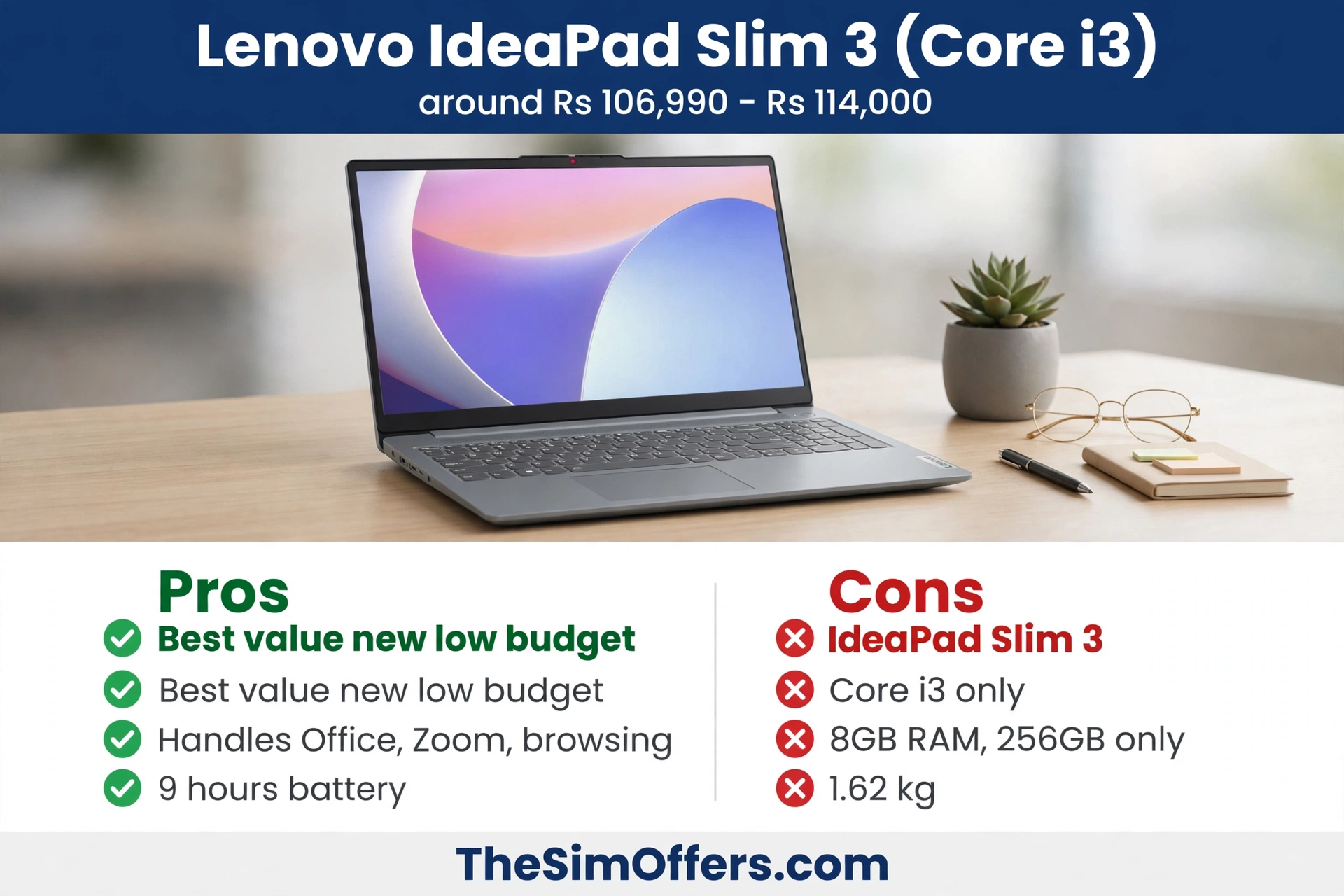
This is the laptop to buy when money is tight but you still want a new machine. It opens Word, Excel, Zoom, and Chrome without fuss, and the 15.6-inch anti-glare screen is easy on the eyes during long study sessions. The battery lasts around 9 hours, so it gets you through a day of classes. It is not fast, and the 256GB storage fills up quickly, so keep your files on a drive or in the cloud. Buy it if you need a new laptop for school or college work on a low budget. Skip it if you plan to run heavy software or games — the Core i3 is not made for that.
Pros:
- ✅ Best value new low budget
- ✅ Handles Office, Zoom, browsing
- ✅ 9 hours battery
Cons:
- ❌ Core i3 only
- ❌ 8GB RAM, 256GB only
- ❌ 1.62 kg
- Price in Pakistan: around Rs 106,990 – Rs 114,000 (new, approximate)
- Processor: Intel Core i3-1305U
- RAM: 8GB
- Storage: 256GB SSD
- Display: 15.6-inch Full HD, anti-glare
- Battery: up to 9 hours, approximate
- Weight: around 1.62 kg
- SIM / 4G Support: No built-in SIM slot. Use a phone hotspot, USB dongle, or MiFi with a Jazz, Zong, Telenor, Ufone, or Onic SIM.
HP 15-fd1134nia (Core 3)
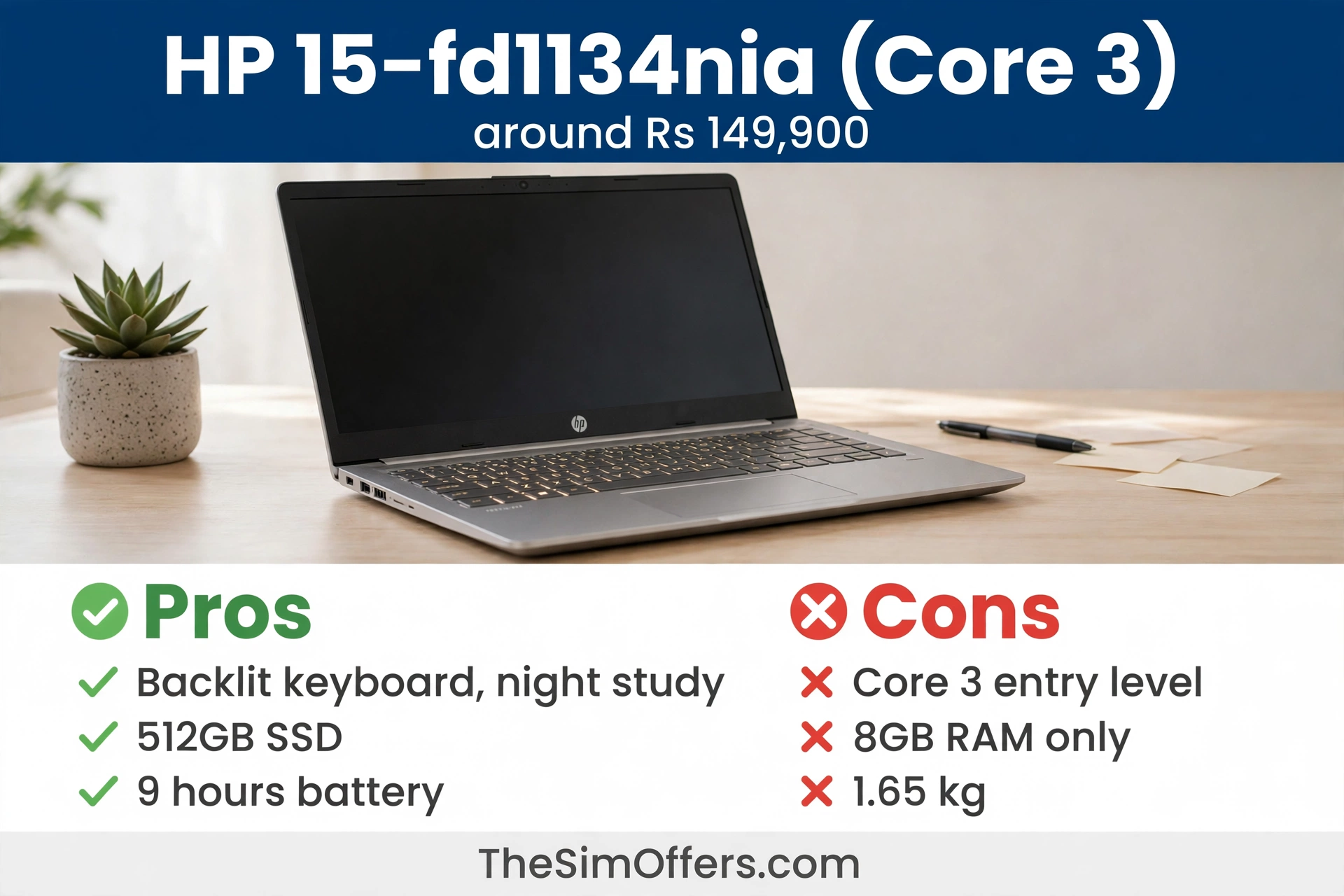
If you study at night, this one earns its place. The backlit keyboard is a small thing until you are typing notes in a dark room, and then it matters a lot. It handles online classes, MS Office, and browsing well, and the 512GB SSD gives you room for notes, slides, and recordings. The Core 3 is an entry-level chip, so it is not for heavy work, and at 1.65 kg it is not the lightest bag. Buy it if your days are full of online classes and late-night assignments. Skip it if you need more power for coding or design.
Pros:
- ✅ Backlit keyboard, night study
- ✅ 512GB SSD
- ✅ 9 hours battery
Cons:
- ❌ Core 3 entry level
- ❌ 8GB RAM only
- ❌ 1.65 kg
- Price in Pakistan: around Rs 149,900 (new, approximate)
- Processor: Intel Core 3 100U
- RAM: 8GB
- Storage: 512GB SSD
- Display: 15.6-inch Full HD
- Battery: up to 9 hours, approximate
- Weight: around 1.65 kg
- SIM / 4G Support: No built-in SIM slot. Use a phone hotspot or a USB dongle with a Jazz, Zong, Telenor, Ufone, or Onic SIM.
Lenovo IdeaPad 1 (Ryzen 3)
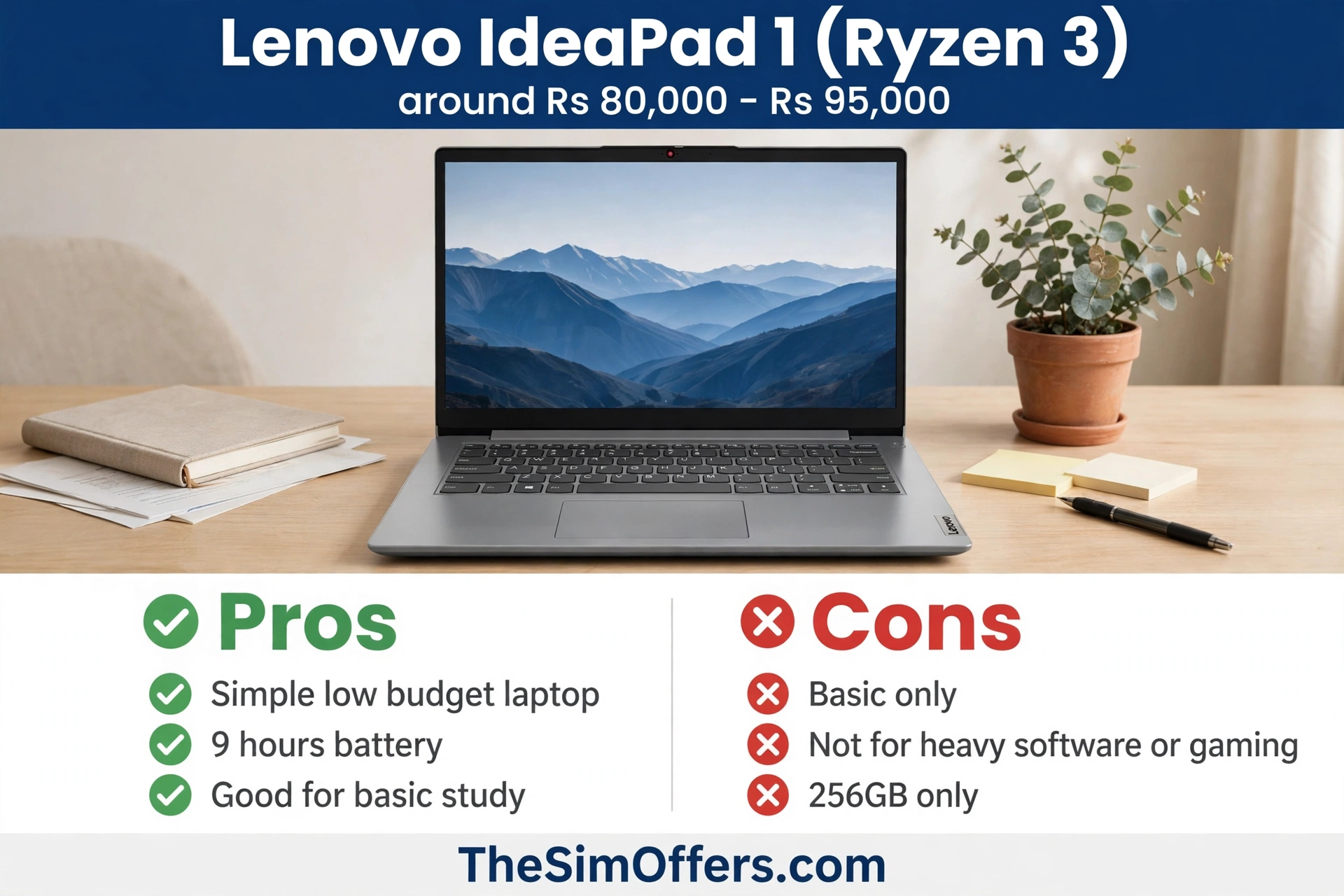
This is a simple laptop for simple work, and that is its strength. It opens Google Docs, joins online classes, and plays lecture videos without trouble, and the battery lasts around 9 hours. The screen is big enough for reading and homework. Do not expect more from it — the Ryzen 3 is not for heavy software, and 256GB storage runs out fast if you save a lot of videos. Buy it if you are a school student who needs a first laptop for homework and classes. Skip it if you are starting a CS or engineering degree and will run big tools.
Pros:
- ✅ Simple low budget laptop
- ✅ 9 hours battery
- ✅ Good for basic study
Cons:
- ❌ Basic only
- ❌ Not for heavy software or gaming
- ❌ 256GB only
- Price in Pakistan: around Rs 80,000 – Rs 95,000 (new, approximate)
- Processor: AMD Ryzen 3 7320U
- RAM: 8GB
- Storage: 256GB SSD
- Display: 15.6-inch Full HD
- Battery: up to 9 hours, approximate
- Weight: around 1.58 kg
- SIM / 4G Support: No built-in SIM slot. Use a phone hotspot or a USB dongle with a data SIM.
Acer Aspire 3 A315 (Core i3)
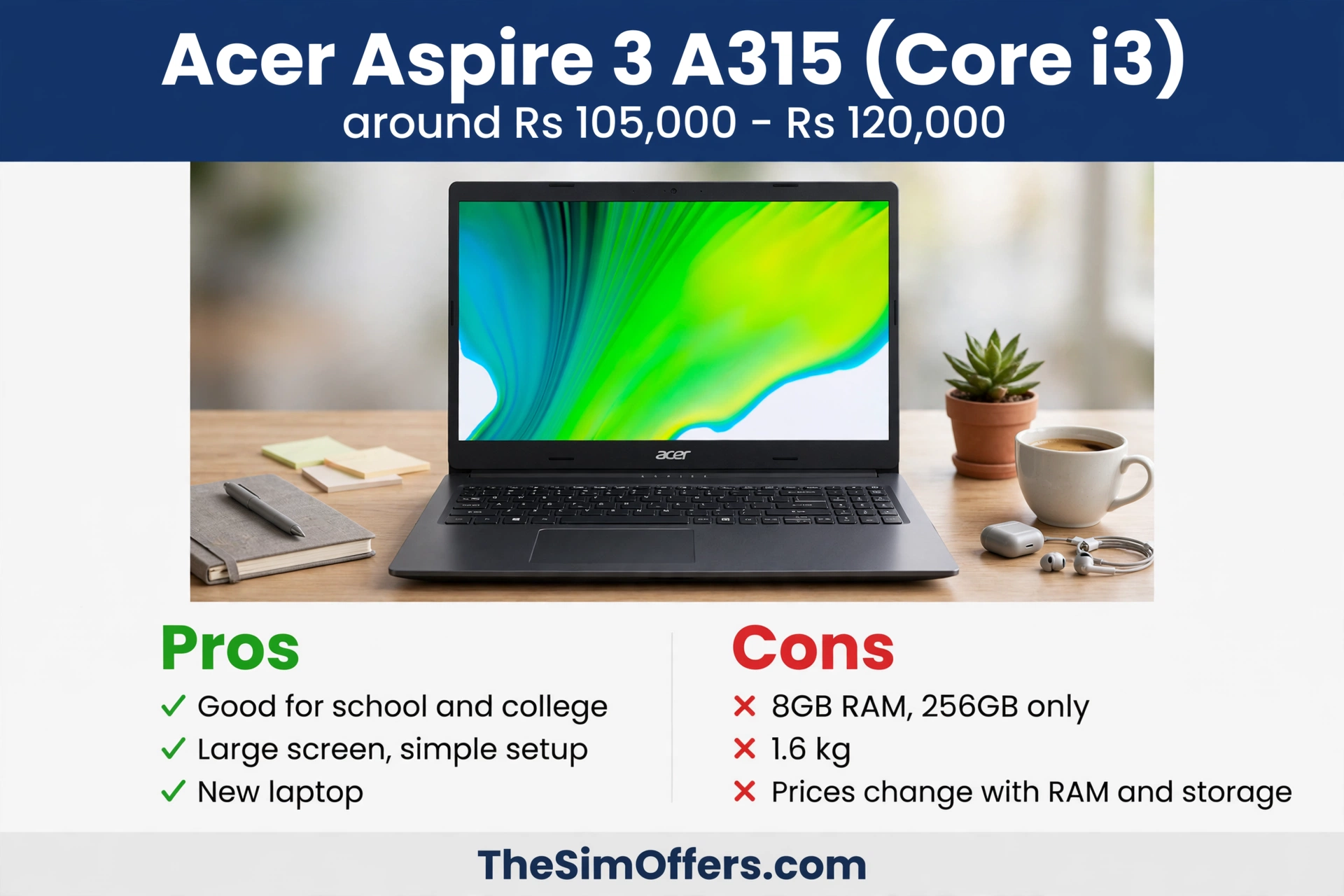
A plain, honest laptop for school and college. It starts up fast, the big 15.6-inch screen is good for reading notes and watching lectures, and the setup is simple — no learning curve. It handles Office, browsing, and online classes the way a student laptop should. The 8GB RAM and 256GB storage are basic, so you will feel the limit if you open too many things at once. Buy it if you want a new laptop with a large screen at a fair price. Skip it if you need more storage or plan to keep the laptop for heavy work later. Check the exact model before you buy, because the price changes with RAM and storage.
Pros:
- ✅ Good for school and college
- ✅ Large screen, simple setup
- ✅ New laptop
Cons:
- ❌ 8GB RAM, 256GB only
- ❌ 1.6 kg
- ❌ Prices change with RAM and storage
- Price in Pakistan: around Rs 105,000 – Rs 120,000 (new, approximate)
- Processor: Intel Core i3 13th Gen
- RAM: 8GB
- Storage: 256GB SSD
- Display: 15.6-inch Full HD
- Battery: up to 8 hours, approximate
- Weight: around 1.6 kg
- SIM / 4G Support: No built-in SIM slot. Use a phone hotspot or a 4G dongle with a data SIM.
HP 15s (Core i5)
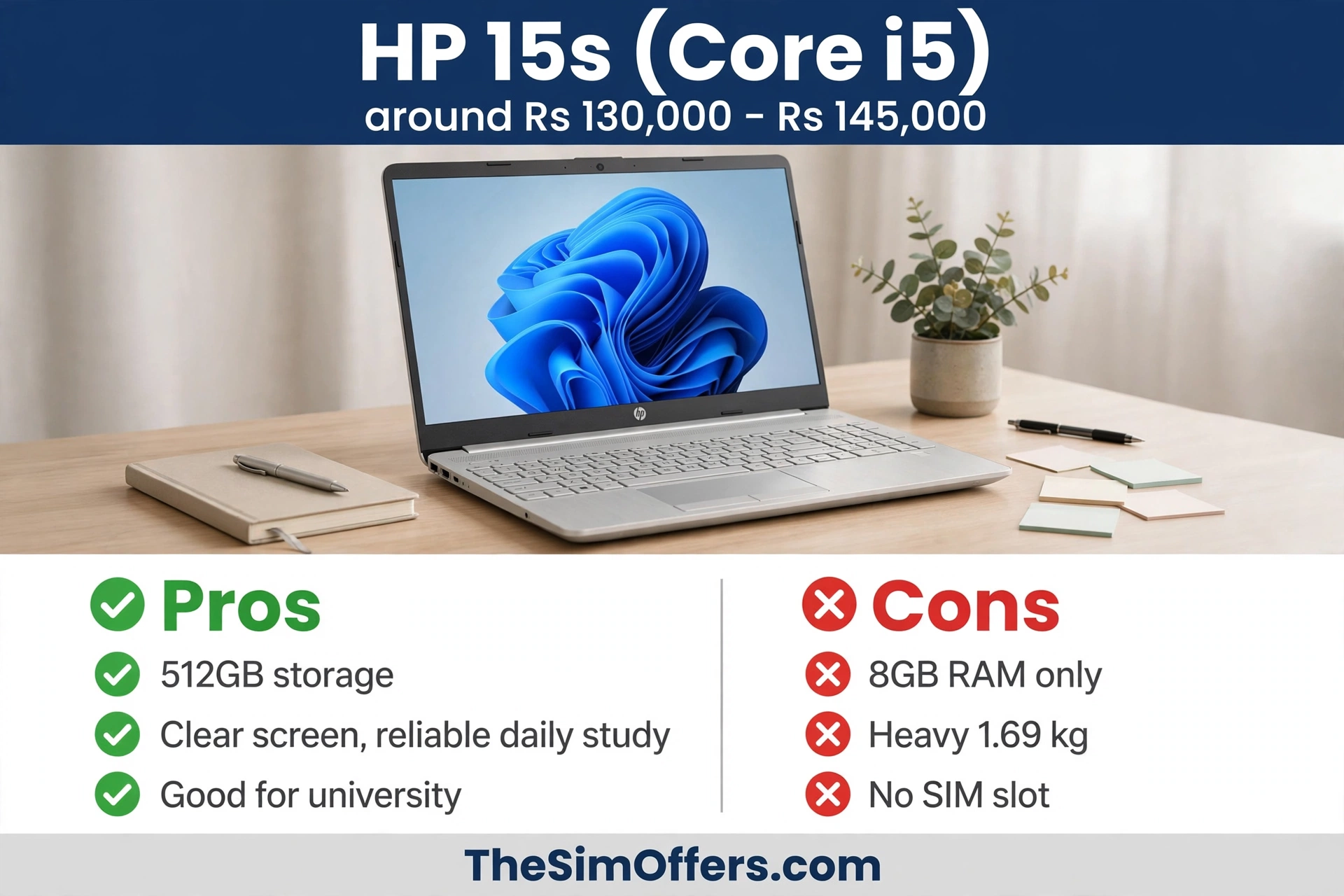
This is a steady, reliable laptop for daily university work. The Core i5 keeps assignments, research tabs, and Zoom calls running well, and the 512GB SSD means you can save a lot of notes, slides, and past papers without thinking about space. The screen is clear and easy to read for long hours. At 1.69 kg it is on the heavy side, and 8GB RAM is the one thing that holds it back when you open too much at once. Buy it if you want a dependable laptop for assignments and online classes. Skip it if you carry your laptop all day and want something lighter.
Pros:
- ✅ 512GB storage
- ✅ Clear screen, reliable daily study
- ✅ Good for university
Cons:
- ❌ 8GB RAM only
- ❌ Heavy 1.69 kg
- ❌ No SIM slot
- Price in Pakistan: around Rs 130,000 – Rs 145,000 (new, approximate)
- Processor: Intel Core i5-1235U
- RAM: 8GB
- Storage: 512GB SSD
- Display: 15.6-inch Full HD
- Battery: up to 8 hours, approximate
- Weight: around 1.69 kg
- SIM / 4G Support: No built-in SIM slot. Use a phone hotspot or a USB dongle with a Jazz, Zong, Telenor, Ufone, or Onic SIM.
Dell Vostro 3530 (Core i5)
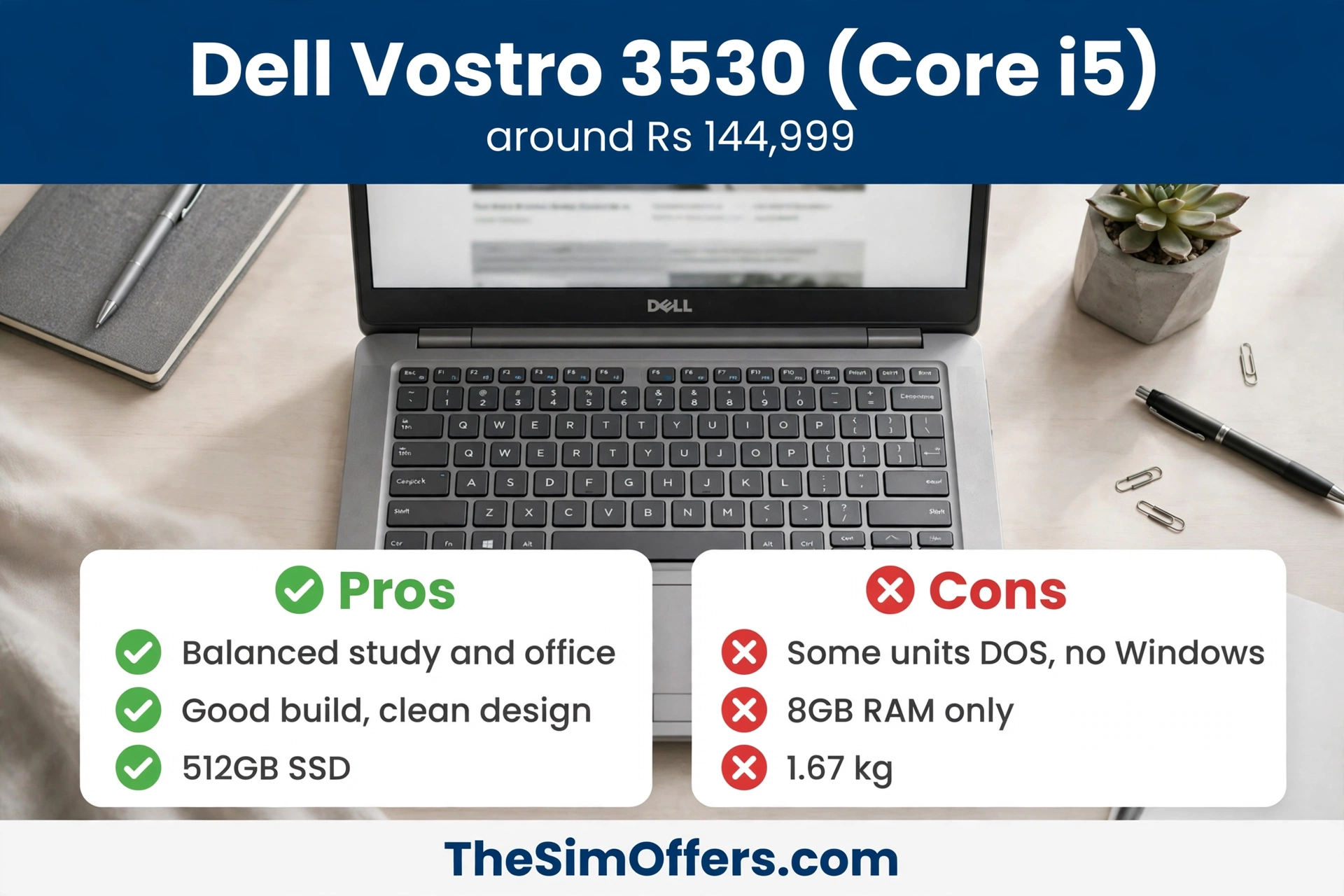
This one sits between study and office work, and it does both well. The build feels solid, the design is clean, and the Core i5 with 512GB SSD handles study, Office, and browsing without fuss. It looks smart in class and in an internship too. The battery is 7 to 9 hours, so it will not always last a full day without a charger. Buy it if you like Dell and want a laptop that works for study now and office work later. Skip it if you need 16GB RAM, and ask about Windows before you buy — some units come with DOS.
Pros:
- ✅ Balanced study and office
- ✅ Good build, clean design
- ✅ 512GB SSD
Cons:
- ❌ Some units DOS, no Windows
- ❌ 8GB RAM only
- ❌ 1.67 kg
- Price in Pakistan: around Rs 144,999 (new, approximate)
- Processor: Intel Core i5-1335U
- RAM: 8GB
- Storage: 512GB SSD
- Display: 15.6-inch Full HD
- Battery: 7 to 9 hours, approximate
- Weight: around 1.67 kg
- SIM / 4G Support: No built-in SIM slot. Use a phone hotspot or a 4G dongle with a data SIM.
Dell Latitude 5410 (Used)
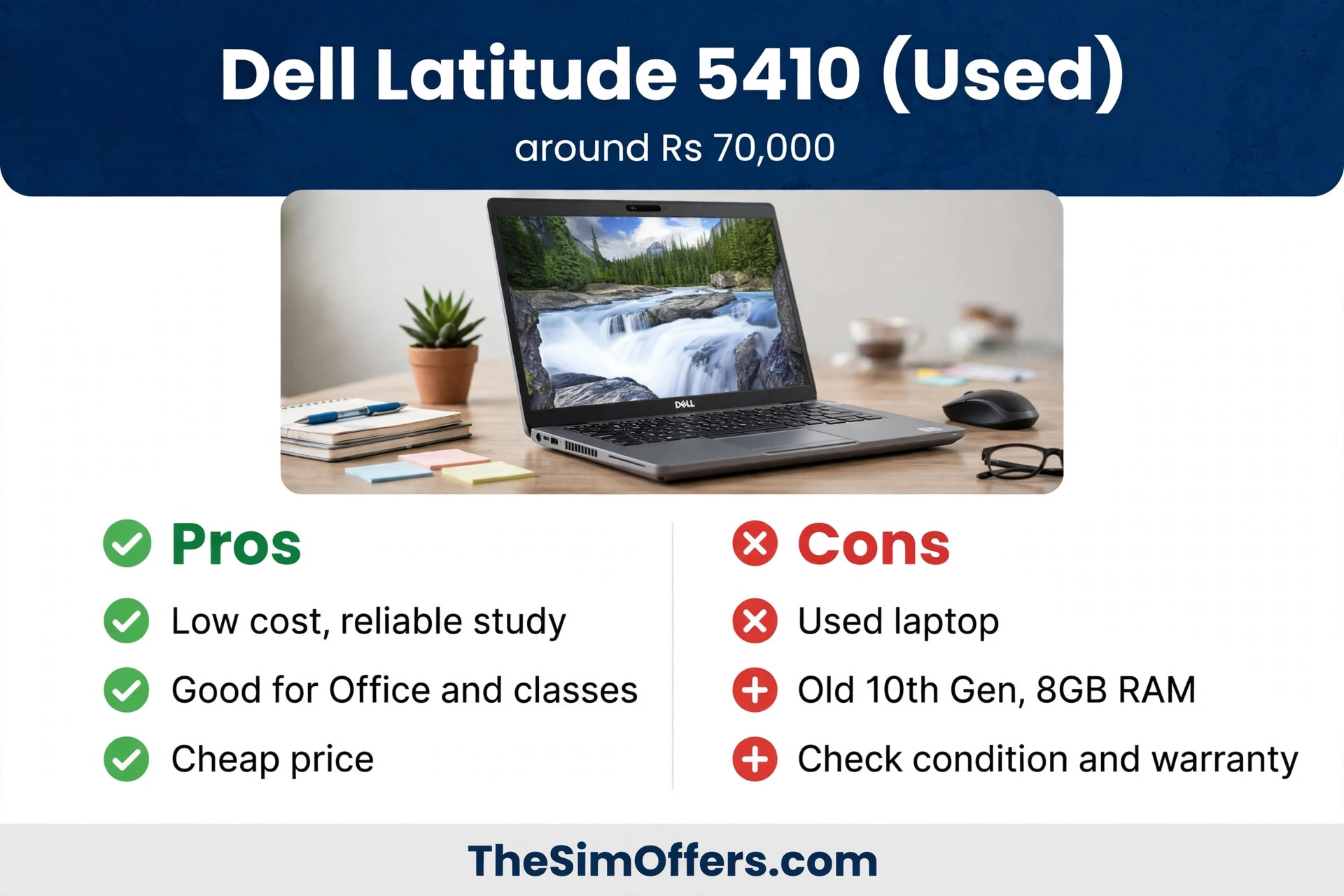
This is the cheapest laptop on this list, and for basic study it is enough. It runs MS Office, joins online classes, and opens Google Docs without trouble, and at 1.44 kg it is light in the bag. For a school or college student on a tight budget, it gets the job done. It is a used laptop with an older 10th Gen chip and only 8GB RAM and 256GB storage, so do not expect it to run heavy software. Buy it if money is tight and you need a reliable laptop for classes and homework. Skip it if you are starting a degree that needs modern tools — save a little more and pick a newer model. Check the condition and ask for a check warranty before you pay.
Pros:
- ✅ Low cost, reliable study
- ✅ Good for Office and classes
- ✅ Cheap price
Cons:
- ❌ Used laptop
- ❌ Old 10th Gen, 8GB RAM
- ❌ Check condition and warranty
- Price in Pakistan: around Rs 70,000 (used, approximate)
- Processor: Intel Core i5-10210U
- RAM: 8GB
- Storage: 256GB SSD
- Display: 14-inch Full HD
- Battery: 7 to 9 hours, approximate
- Weight: around 1.44 kg
- SIM / 4G Support: No built-in SIM slot in most units. Use a phone hotspot or a USB dongle with a data SIM.
For Coding and Programming
These laptops have more RAM and faster processors for code editors, many open tabs, and projects. They suit CS, software engineering, and IT students.
ASUS VivoBook 15 (Core i5)
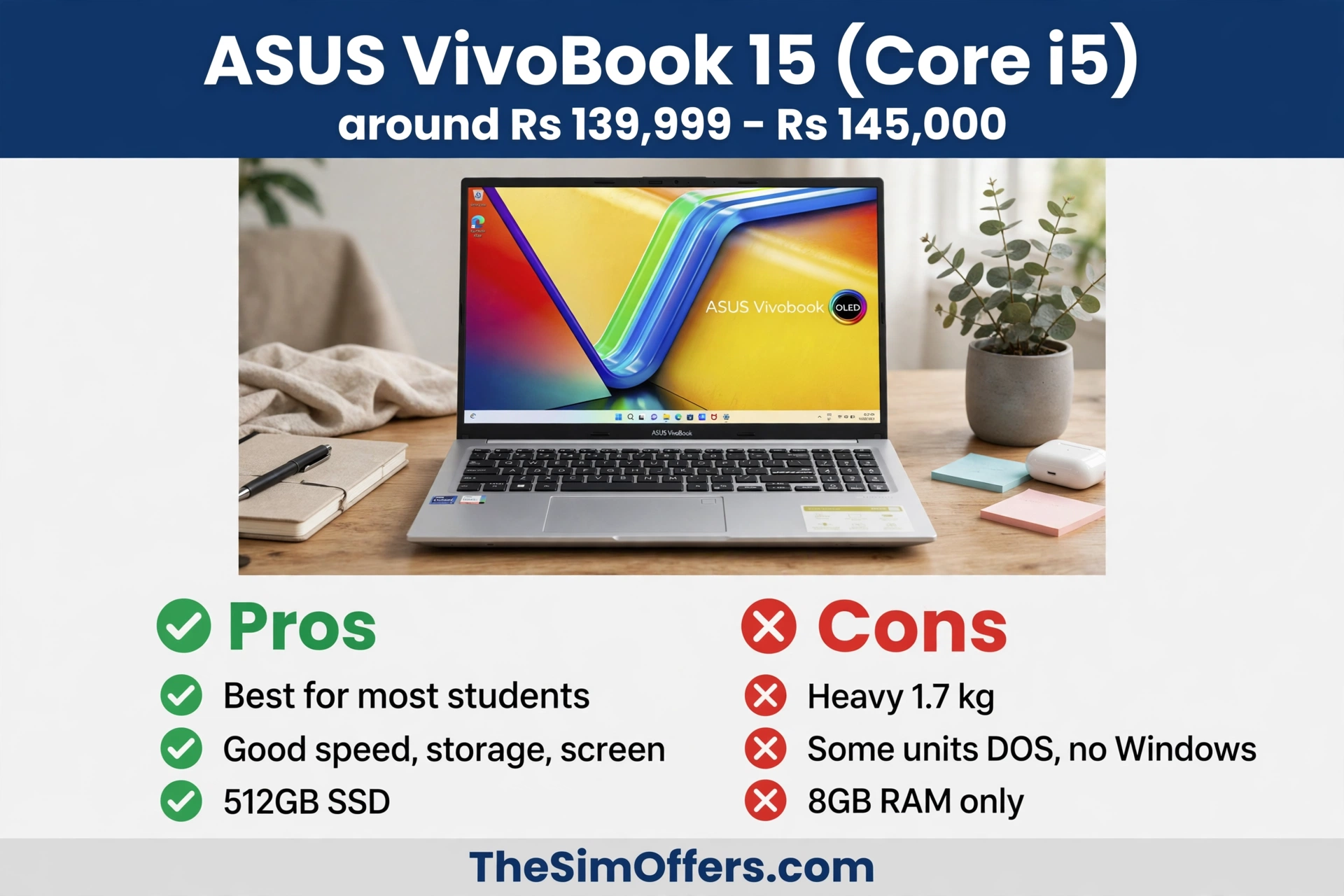
This is the safe pick for most students. The Core i5 is fast enough for assignments, research, and many browser tabs at once, and the 512GB SSD means you will not run out of space in the first year. The screen is big and clear, good for reading PDFs and watching lectures. It is a bit heavy at 1.7 kg, so your bag will feel it on a long day. Buy it if you want one laptop that does everything for your degree. Skip it if you walk a lot with your bag and want something lighter, or check first whether Windows is included — some units come with DOS.
Pros:
- ✅ Best for most students
- ✅ Good speed, storage, screen
- ✅ 512GB SSD
Cons:
- ❌ Heavy 1.7 kg
- ❌ Some units DOS, no Windows
- ❌ 8GB RAM only
- Price in Pakistan: around Rs 139,999 – Rs 145,000 (new, approximate)
- Processor: Intel Core i5-1335U
- RAM: 8GB
- Storage: 512GB SSD
- Display: 15.6-inch Full HD
- Battery: up to 8 hours, approximate
- Weight: around 1.7 kg
- SIM / 4G Support: No built-in SIM slot. Use a phone hotspot or a 4G USB dongle with a data SIM.
Dell Inspiron 15 3520 (Core i5)
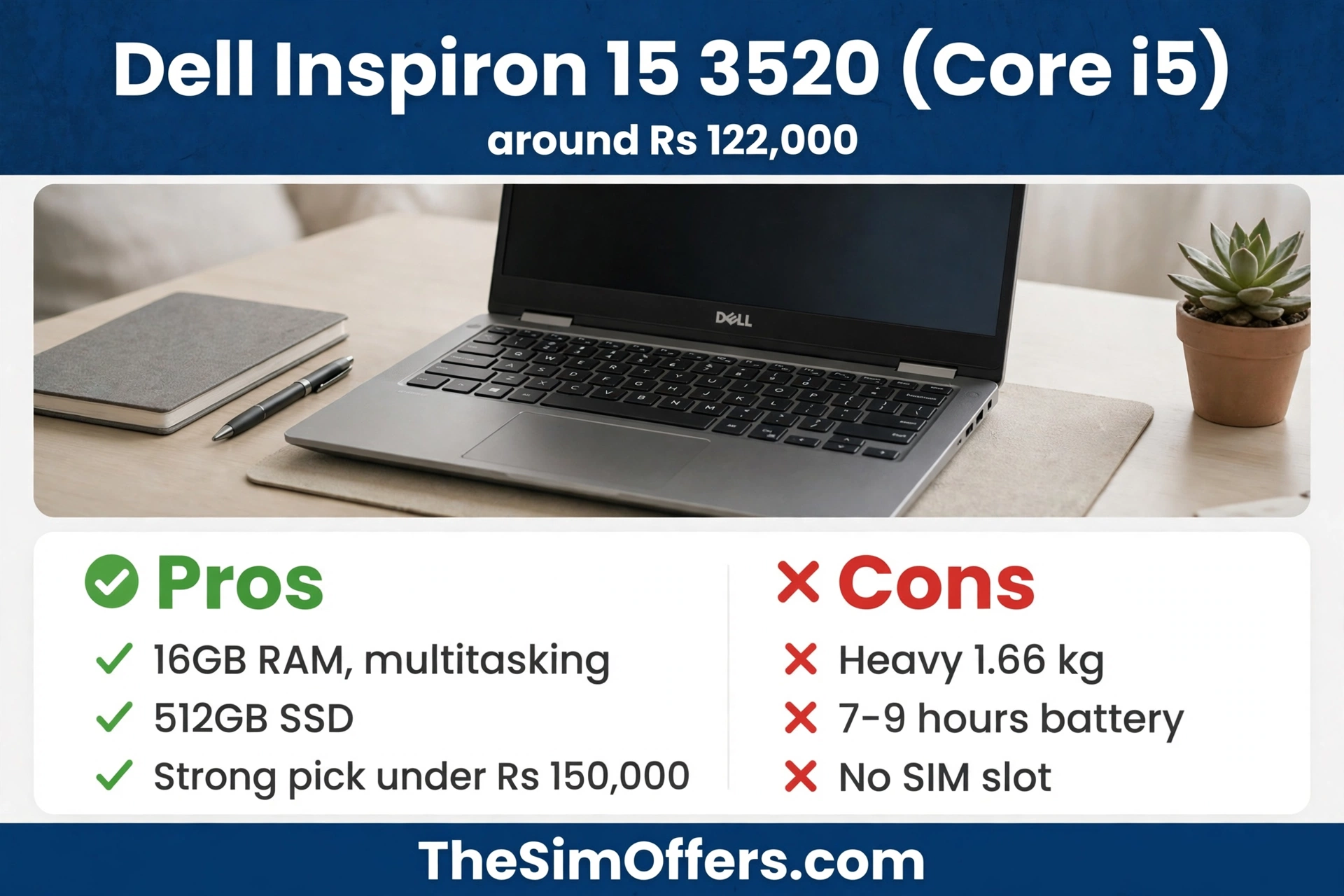
The 16GB RAM is what makes this one stand out at this price. You can keep many tabs open, run Office, Zoom, and a code editor together, and it does not slow down. That is why it suits research and programming as well as normal study. The screen is big and plain, good for reading and typing, and the 512GB SSD holds a full year of work. It is heavy at 1.66 kg and the battery is only 7 to 9 hours, so carry the charger. Buy it if you multitask a lot or code. Skip it if you want the lightest laptop for class.
Pros:
- ✅ 16GB RAM, multitasking
- ✅ 512GB SSD
- ✅ Strong pick under Rs 150,000
Cons:
- ❌ Heavy 1.66 kg
- ❌ 7-9 hours battery
- ❌ No SIM slot
- Price in Pakistan: around Rs 122,000 (new, approximate)
- Processor: Intel Core i5-1235U
- RAM: 16GB
- Storage: 512GB SSD
- Display: 15.6-inch Full HD
- Battery: 7 to 9 hours, approximate
- Weight: around 1.66 kg
- SIM / 4G Support: No built-in SIM slot. Use a phone hotspot or a 4G dongle with a data SIM.
Lenovo IdeaPad Slim 3 (Core i5)
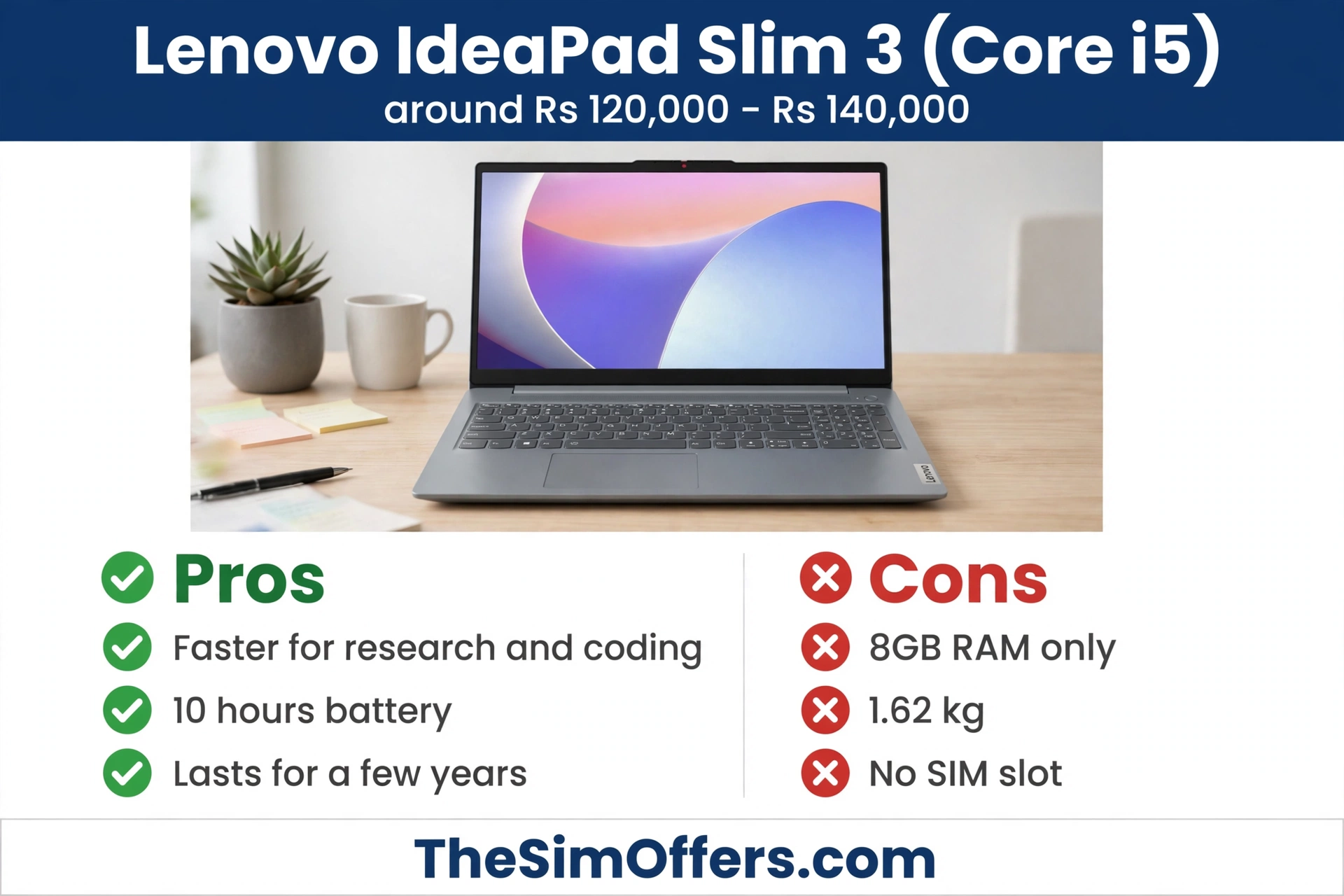
This is the faster brother of the Core i3 Slim 3, and you feel the difference when you have many apps open. Research, coding, and a dozen browser tabs run better here, and the 10-hour battery is the best in this price range — it can last a full day of classes. The IPS screen looks clear from any angle, which helps when you share notes with a friend sitting next to you. The 8GB RAM is still the weak point for very heavy work. Buy it if you want a new laptop that will last through your degree. Skip it if you do video editing or heavy design work.
Pros:
- ✅ Faster for research and coding
- ✅ 10 hours battery
- ✅ Lasts for a few years
Cons:
- ❌ 8GB RAM only
- ❌ 1.62 kg
- ❌ No SIM slot
- Price in Pakistan: around Rs 120,000 – Rs 140,000 (new, approximate)
- Processor: Intel Core i5 13th Gen
- RAM: 8GB
- Storage: 512GB SSD
- Display: 15.6-inch Full HD IPS
- Battery: up to 10 hours, approximate
- Weight: around 1.62 kg
- SIM / 4G Support: No built-in SIM slot. Use a phone hotspot or a USB dongle with a data SIM.
Lenovo ThinkPad T14 Gen 2 (Used)
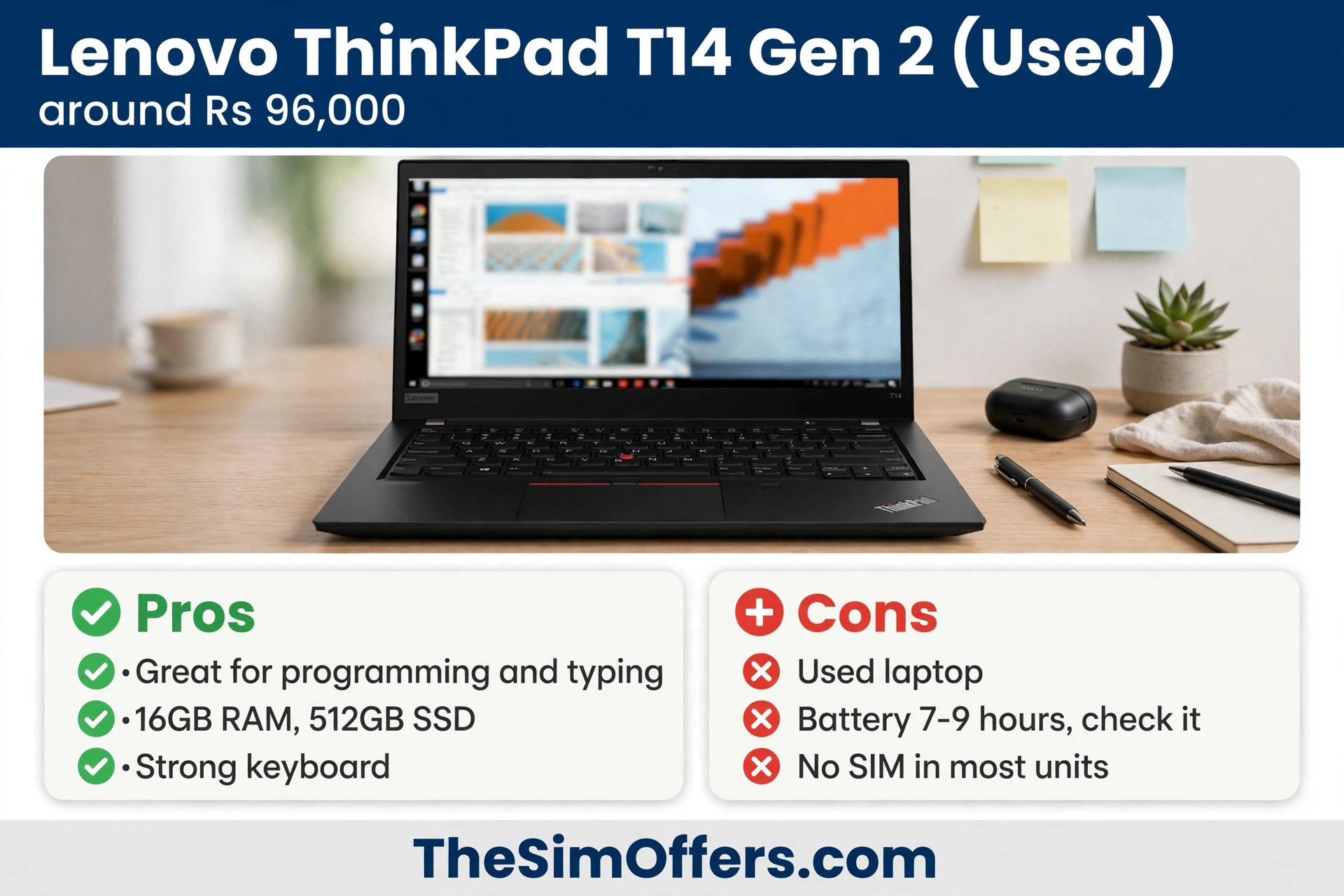
For a CS or engineering student, this used ThinkPad is hard to beat. The keyboard is the best in this list — you can type code for hours without your fingers getting tired — and the 16GB RAM handles programming tools, many tabs, and big projects with ease. The 14-inch screen is smaller than the others, but the laptop is lighter and easier to carry. It is used, so the battery may be weak and you must check the screen and body before you pay. Buy it if you code and want the most power under Rs 100,000. Skip it if you want a brand-new laptop with a full warranty.
Pros:
- ✅ Great for programming and typing
- ✅ 16GB RAM, 512GB SSD
- ✅ Strong keyboard
Cons:
- ❌ Used laptop
- ❌ Battery 7-9 hours, check it
- ❌ No SIM in most units
- Price in Pakistan: around Rs 96,000 (used, approximate)
- Processor: Intel Core i5-1135G7
- RAM: 16GB
- Storage: 512GB SSD
- Display: 14-inch Full HD IPS
- Battery: 7 to 9 hours, approximate
- Weight: around 1.46 kg
- SIM / 4G Support: No SIM slot in most units. Some LTE models have a nano-SIM slot. Check before you buy. For other units, use a hotspot or dongle.
For Design and Creative Work
These two laptops are for students who work with colour, touch, and media — design, notes on screen, and long battery life.
HP Pavilion 15 (Core i5 Touch)
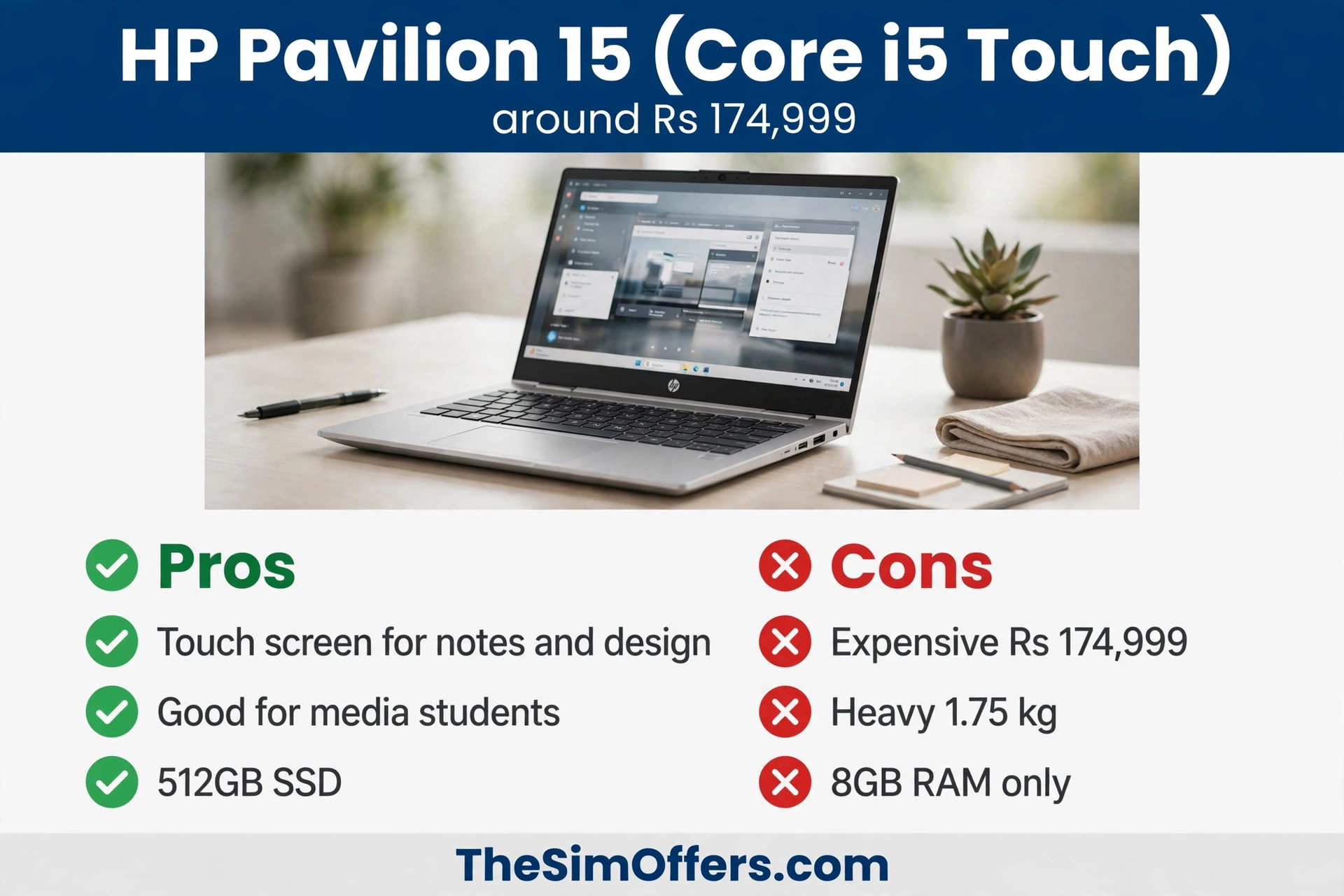
The touch screen is the reason to pick this one. You can tap, scroll, and draw on the screen, which makes note-taking feel natural, and it is handy for media and design students who sketch ideas. The Core i5 and 512GB SSD handle normal study and light design work well. It is the heaviest laptop in this list at 1.75 kg, and the price is high for 8GB RAM, so you are paying for the touch screen. Buy it if you like to take notes by hand on screen or study design and media. Skip it if you only type notes — a non-touch laptop costs less and weighs less.
Pros:
- ✅ Touch screen for notes and design
- ✅ Good for media students
- ✅ 512GB SSD
Cons:
- ❌ Expensive Rs 174,999
- ❌ Heavy 1.75 kg
- ❌ 8GB RAM only
- Price in Pakistan: around Rs 174,999 (new, approximate)
- Processor: Intel Core i5-1335U
- RAM: 8GB
- Storage: 512GB SSD
- Display: 15.6-inch Full HD Touch
- Battery: up to 8 hours, approximate
- Weight: around 1.75 kg
- SIM / 4G Support: No built-in SIM slot. Use a phone hotspot or a 4G dongle with a data SIM.
Apple MacBook Air M3
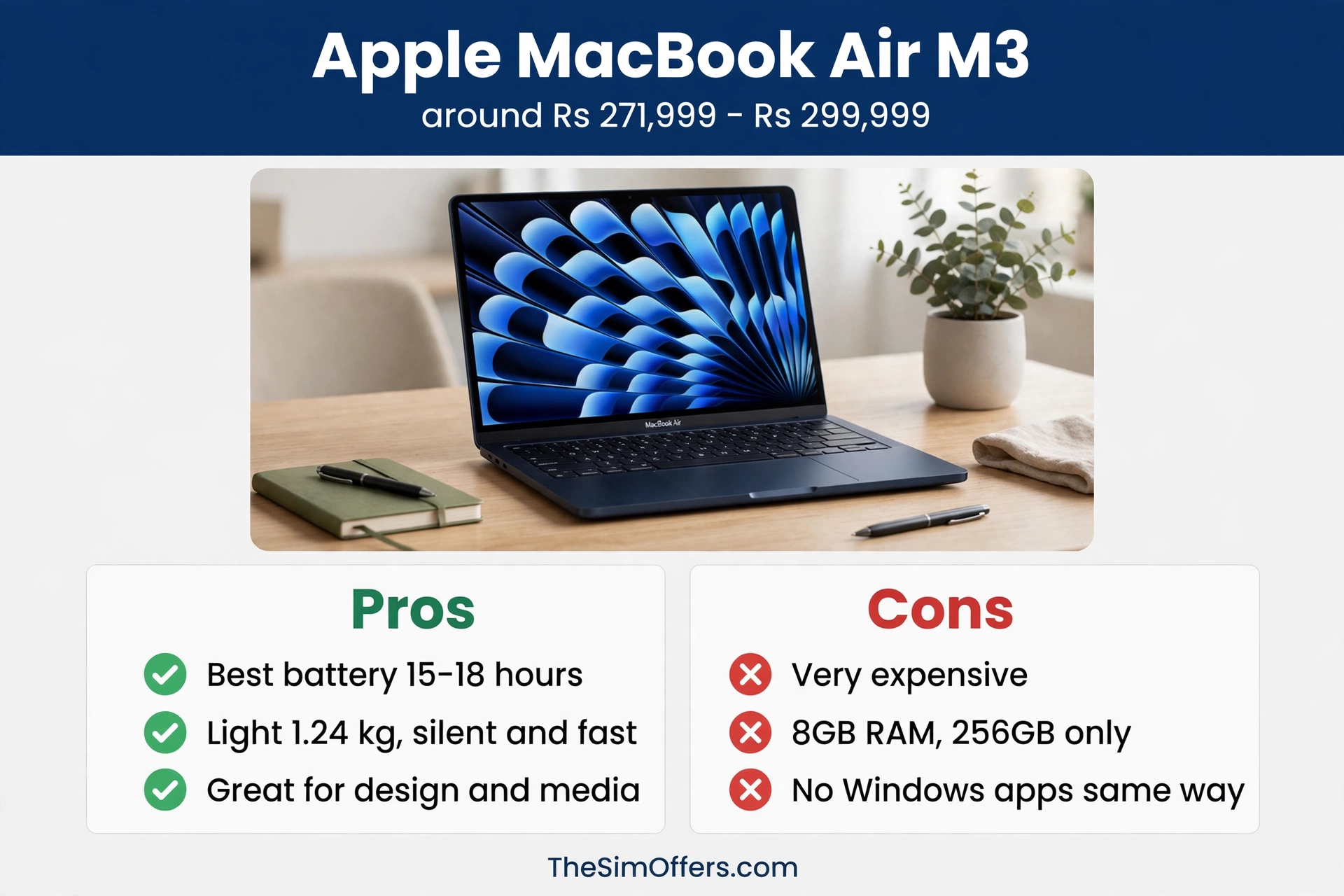
This is the laptop that changes how a day feels. It is light at 1.24 kg, totally silent, and the battery lasts 15 to 18 hours — you can leave the charger at home. The Retina screen shows text and colours clearly, which is a joy for design and media work. It is fast and it never gets hot in your lap. The price is the hard part, and 256GB storage is small for the money. Buy it if you study design or media and your budget allows it. Skip it if your course needs Windows-only software — check that first, because some apps do not run on a Mac.
Pros:
- ✅ Best battery 15-18 hours
- ✅ Light 1.24 kg, silent and fast
- ✅ Great for design and media
Cons:
- ❌ Very expensive
- ❌ 8GB RAM, 256GB only
- ❌ No Windows apps same way
- Price in Pakistan: around Rs 271,999 – Rs 299,999 (new, approximate)
- Processor: Apple M3
- RAM: 8GB unified memory
- Storage: 256GB SSD
- Display: 13.6-inch Liquid Retina
- Battery: up to 15 to 18 hours, approximate
- Weight: around 1.24 kg
- SIM / 4G Support: No built-in SIM slot. Use an iPhone hotspot or a MiFi device with a data SIM.
Buying Guide – How to Choose a Student Laptop
Processor: For normal study, a Core i3, Core 3, or Ryzen 3 is enough. For programming and design, pick a Core i5 or Ryzen 5. For heavy video editing, pick a Core i7 or Apple M3.
RAM: Take 8GB at least. Take 16GB if you do programming, design, or keep many tabs open. 8GB is fine for most students.
Storage: Take a 512GB SSD if you can. 256GB is fine for notes and Office, but it fills up fast with videos and projects.
Display: A 15.6-inch Full HD screen is good for study at home. A 13-inch or 14-inch screen is lighter for class. A touch screen helps for notes, but it is not a must.
Battery: Look for 8 hours or more. You will use the laptop in class and in the library. A used laptop may have a weak battery, so test it first.
Weight: Take a laptop under 1.7 kg if you carry it every day. A heavy laptop is hard to carry in a bag.
Warranty and shop check: Buy from a known shop. Ask for a written warranty. Check the screen, keyboard, Wi-Fi, and charging before you pay. For a used laptop, ask about the check warranty and test the battery.
SIM and Internet for Students
Most student laptops have no SIM slot. That is normal. You can use mobile internet in a simple way:
- Phone hotspot: Turn on hotspot on your phone and connect the laptop to Wi-Fi. This is the easiest way for online classes.
- USB dongle: Put a Jazz, Zong, Telenor, Ufone, or Onic SIM in a 4G USB dongle and plug it into the laptop.
- MiFi device: Use a portable Wi-Fi device with a data SIM. It can connect your laptop and phone at the same time.
For students, a monthly data bundle is often cheaper than daily bundles. Jazz and Zong have monthly bundles for study. Telenor and Ufone have low-cost bundles too. Onic offers data plans through its app. Check the bundle price, data limit, and coverage in your area before you buy.
FAQs
Q: Which laptop is best for students in Pakistan in 2026?
A: For most students, the ASUS VivoBook 15 with Core i5, 8GB RAM, and 512GB SSD, around Rs 139,999, is a good pick. For a low budget, the Lenovo IdeaPad Slim 3 with Core i3 is a good pick.
Q: How much RAM do students need?
A: 8GB RAM is enough for most students. Take 16GB if you do programming, design, or keep many apps open.
Q: Is a MacBook good for students in Pakistan?
A: Yes, if your course software works on macOS. The MacBook Air M3 has great battery life. Check your university software first, because some Windows-only apps do not run on a Mac.
Q: Can I get a free laptop as a student in Pakistan?
A: The Prime Minister’s Laptop Scheme gives laptops to some university students. Check the official PM Laptop Scheme site for the latest phase and who can apply.
Q: Do student laptops have a SIM slot?
A: Most student laptops have no SIM slot. Use a phone hotspot, USB dongle, or MiFi device with a Jazz, Zong, Telenor, Ufone, or Onic SIM.
Q: Is a used laptop good for students?
A: Yes, if you check it well. A used ThinkPad T14 Gen 2 or Dell Latitude 5410 can be good value. Check the battery, screen, and ports before you pay.
Final Verdict
Our pick for most people: ASUS VivoBook 15 (Core i5), around Rs 139,999 to Rs 145,000. It has the best balance of speed, storage, screen, and price for most students.
Best value pick: Lenovo IdeaPad Slim 3 (Core i3), around Rs 106,990 to Rs 114,000. It is the cheapest good new laptop for students on this list.
Best premium pick: Apple MacBook Air M3, around Rs 271,999 to Rs 299,999. It is best for battery life, design, and media work, if your budget allows it.
Disclaimer
Prices in this post are approximate for the Pakistan market in October 2026. Prices can change with the dollar rate, city, shop, and stock. Check the exact model, RAM, storage, battery, and final price with the seller before you buy.



2 Comments